 Leela (Win)0.8.0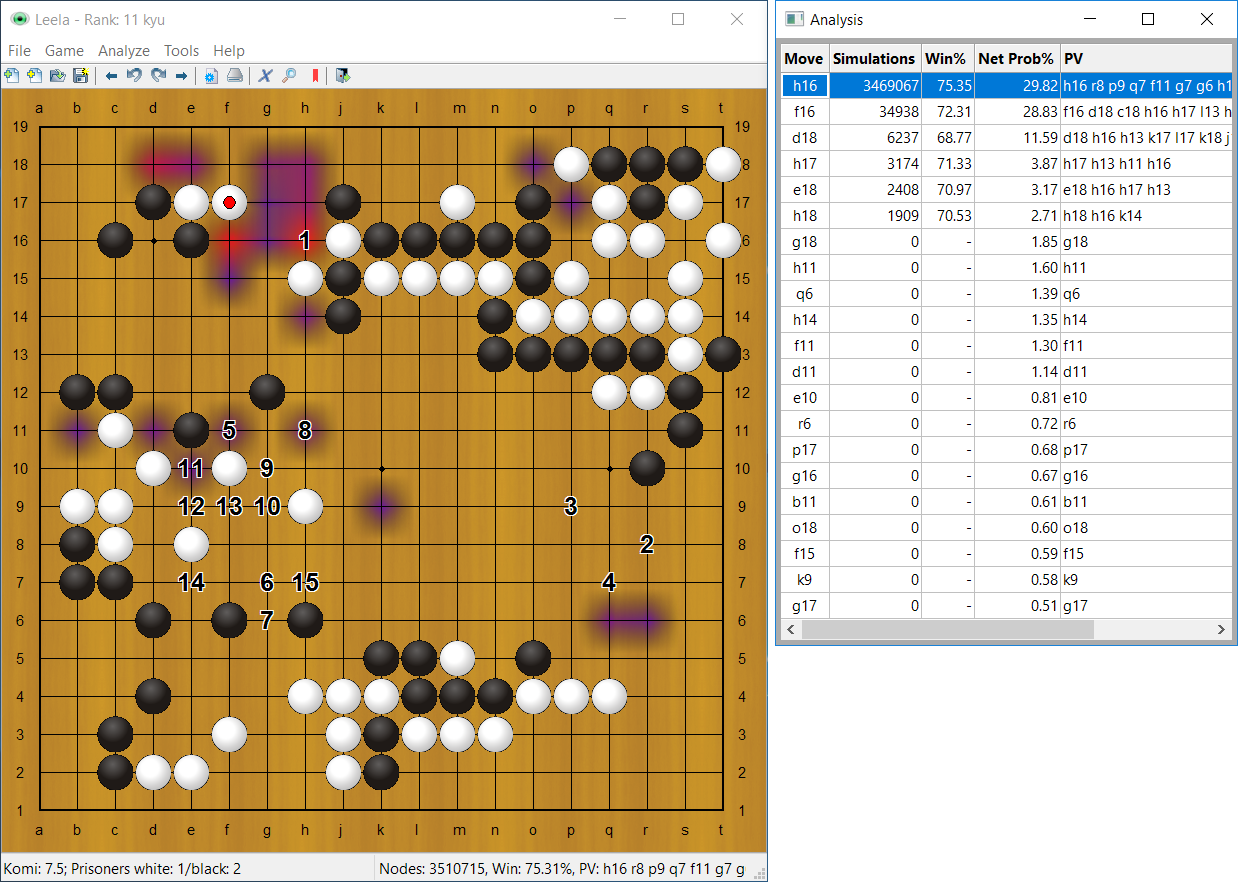
Leela is a strong Go playing program combining advances in Go programming and further original research into a small, easy to use graphical interface. It is freely available, making it an ideal introduction to the game.
Kombilo is a go database program. Its main purpose is to search for games in which a given pattern or position occurs. You can also search for other criteria (like time period, players, events). This program does not come with any game records, but you can import games in SGF format, so for example you can use one of the game collections which are freely available for download. The GoGod database by John Fairbairn and T Mark Hall (+ 2013) is also an excellent choice.
 Sabaki (Source)0.31.2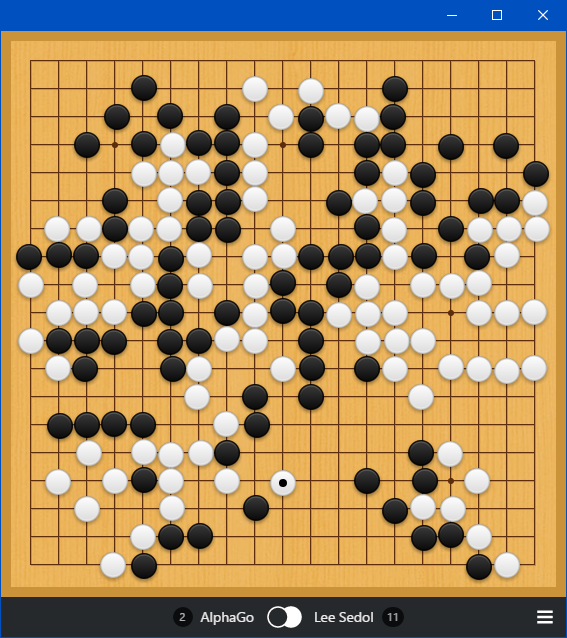
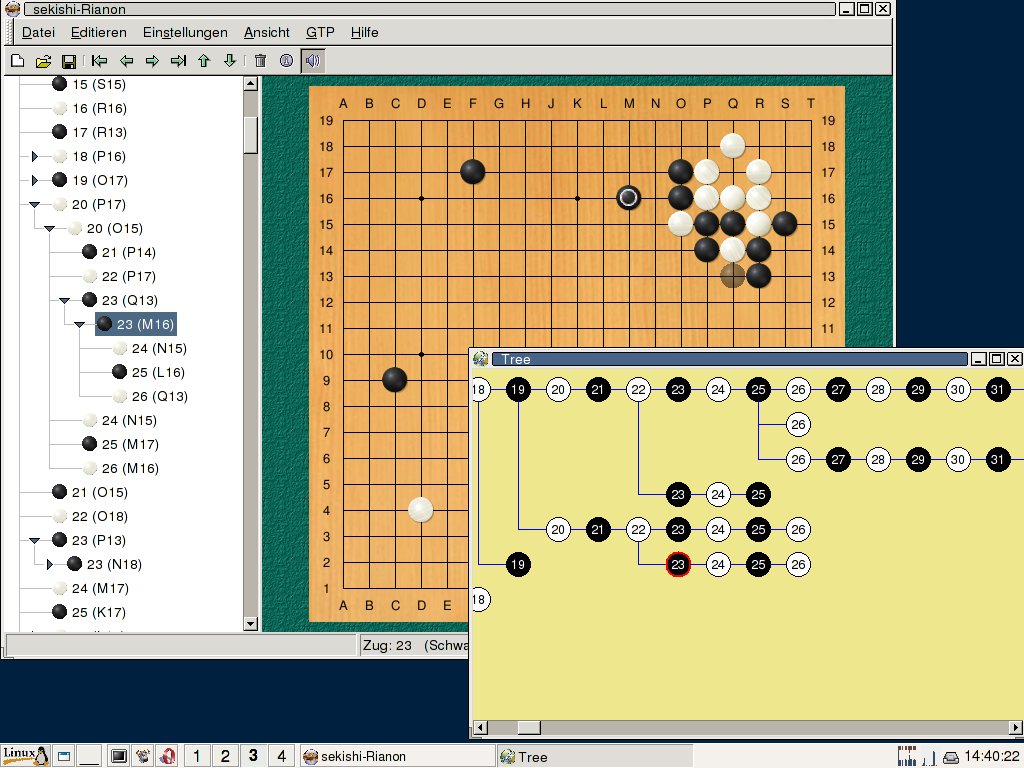
Install the .rpm and .deb files like you would install any package of each type: "rpm -i glGo-1.4.1.rpm" or "dpkg -i glGo-1.4.1.deb". The .tar.gz archive contains scripts to install and remove glGo. Unpack it somewhere and run "sh glGo.install" as root or using sudo. glGo requires Python 2.4 installed. Note to users of SuSE Linux (and possibly others): SuSE ships with an outdated expat library. If glGo fails to start due to missing libexpat.so.1, do the following as root: "cd /usr/lib" "ln -s libexpat.so.0.5.0 libexpat.so.1"

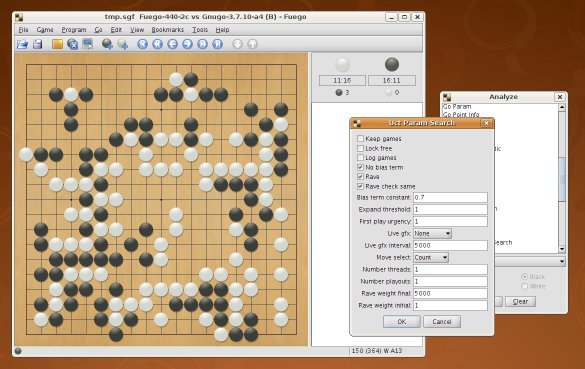
GOWrite 2 is a full-featured SGF viewer, editor and publishing tool for game of Go.


DOS-based program